408
Chapter 10
Configuring Multicast
Hands-On Lab
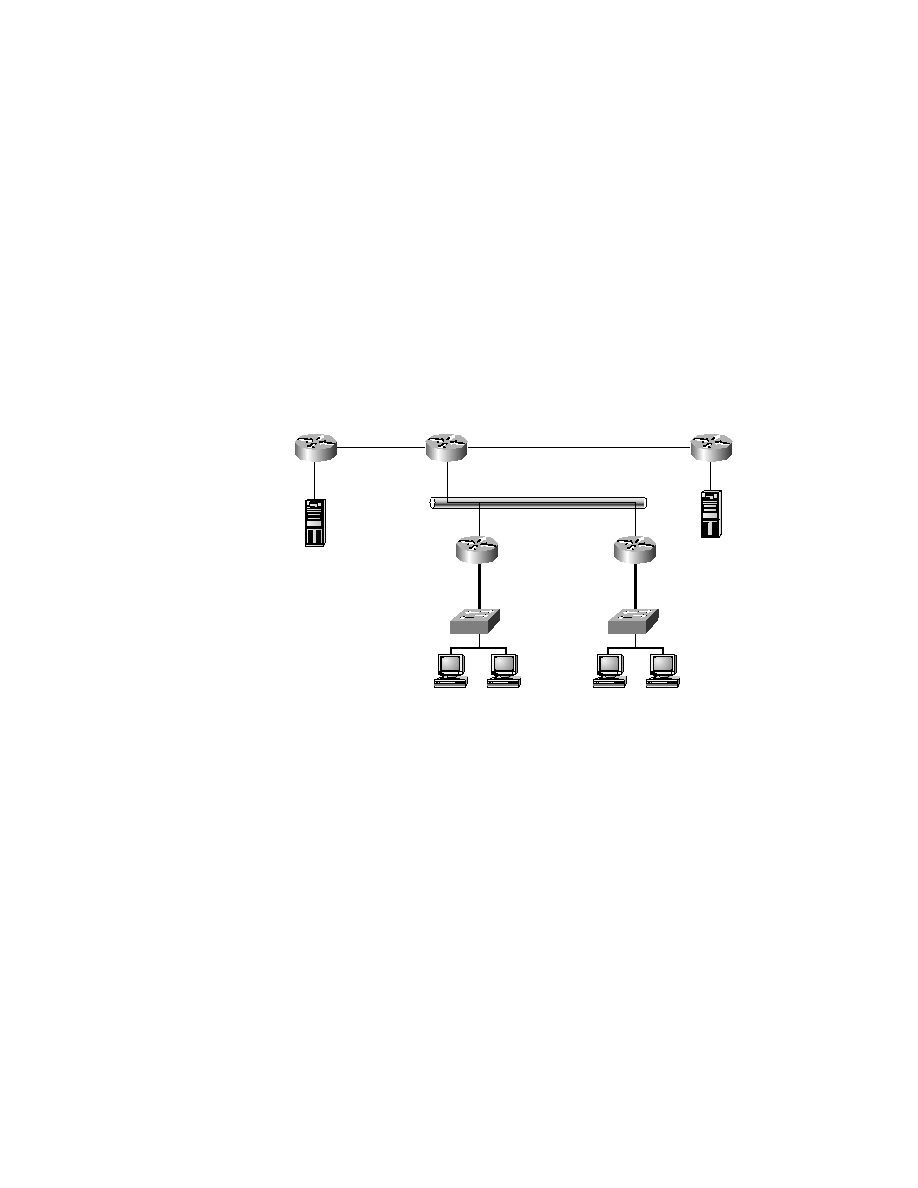
Refer to Figure 10.1 as the diagram for this lab. The objective of this lab
is to configure an IP multicast network from scratch. You will implement
Auto-RP, PIM sparse-dense mode, and CGMP on all routers and switches.
You will not have to configure host applications in this lab. Assume that
Routers C and D have multicast sources attached to them.
F I G U R E 1 0 . 1
Configuring an IP multicast network
1.
Because you are starting from scratch, the first step is to enable multi-
cast on all routers.
RouterA#conf t
Enter configuration commands, one per line. End with CNTL/Z.
RouterA(config)#ip multicast-routing
RouterA(config)#^Z
RouterA#
RouterB#conf t
Enter configuration commands, one per line. End with CNTL/Z.
RouterB(config)#ip multicast-routing
Source for
224.2.127.254
Source for
224.0.124.244
FE1/0
FE0/0
FE2/0
FE1/0
FE0/0
FE4/0
FE0/0
Ethernet
FE0/0
FE3/0
1/2
1/1
FE1/0
FE0/0
HostA
HostB
HostC
HostD
RouterC
RouterB
RouterA
RouterE
Switch2
Switch1
RouterD
Copyright ©2000 SYBEX , Inc., Alameda, CA
www.sybex.com