348
Chapter 9
Multicast
Now let's try one a little bit harder. Suppose, for example, you have the
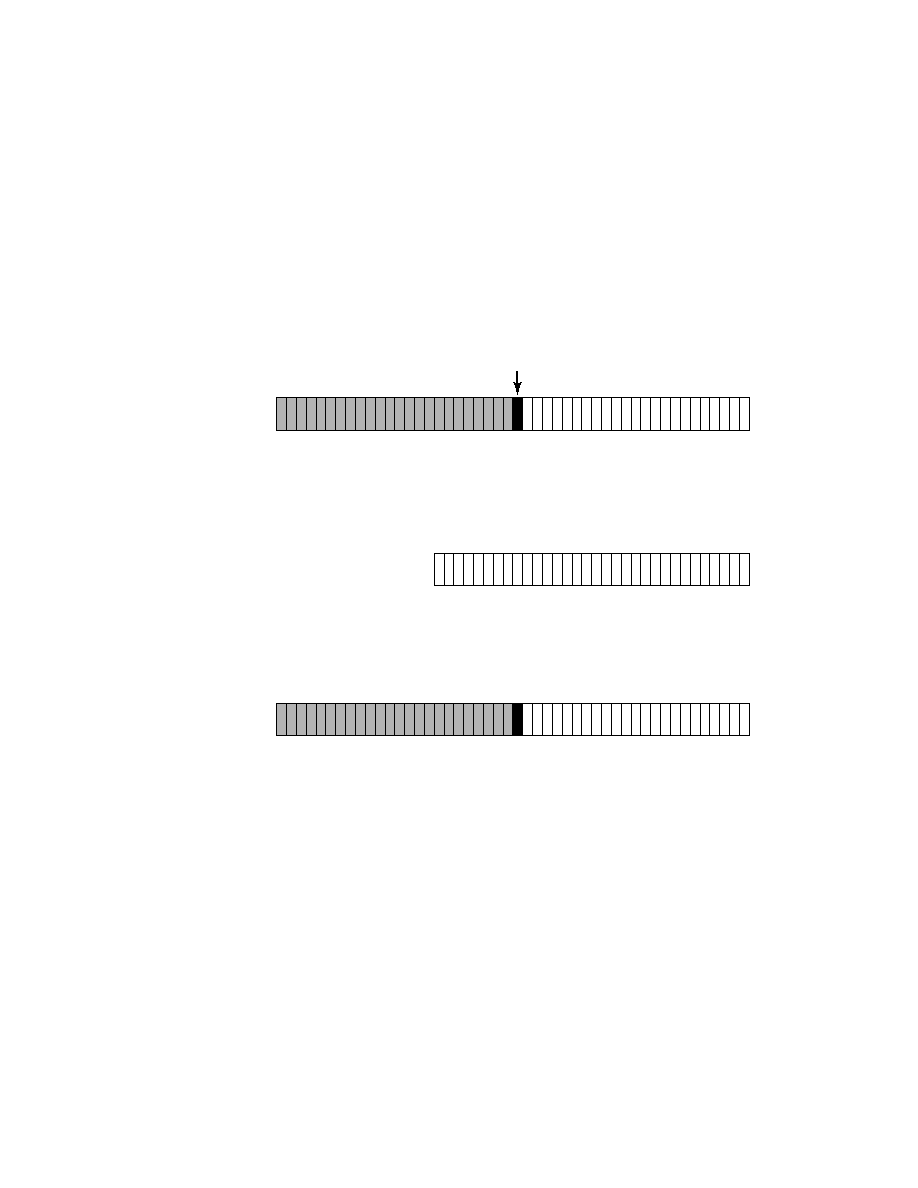
IP multicast address of 225.1.25.2 (follow along with Figure 9.6). Part of the
225 octet falls within the Class D mask. However, there is one bit that is not
masked. By looking carefully at the location of the bit, you will see that it is
part of five lost bits and is not mapped to the layer 2 MAC multicast address.
F I G U R E 9 . 6
Example #2 for mapping IP multicast to MAC multicast addresses
Do the conversion of the octets from decimal into binary so you can get
a clear picture of what the last 23 bits are. Here you would see the fol-
lowing address (the last 23 bits are indicated with the bold font):
11100001.0
0000001.00011001.00000010
. Also, as you can see, Figure 9.6
depicts the last 23 bits that are mapped into the free spaces of the multicast
MAC address. After the mapping has occurred in binary, convert the binary
value to hex and you will have the new MAC multicast address.
0 0 0 0 0 0 0 1 0 0 0 0 0 0 0 0 0 1 0 1 1 1 1 0
0
1 1 1 0 0 0 0 1 0 0 0 0 0 0 0 1 0 0 0 1 1 0 0 1 0 0 0 0 0 0 1 0
01005e
High Order Bit
24-bit MAC prefix
OUI (Organizational Unique Identifier)
23 bits for layer 3 mapping
0 0 0 0 0 0 0 1 0 0 0 0 0 0 0 0 0 1 0 1 1 1 1 0
0
0 0 0 0 0 0 1 0 0 0 1 1 0 0 1 0 0 0 0 0 0 1 0
01-00-5e-01-19-02
225.1.25.2
Final MAC
multicast address
Copyright ©2000 SYBEX , Inc., Alameda, CA
www.sybex.com