320
Chapter 8
Hot Standby Routing Protocol (HSRP)
and the primary link to the 33.3.0.0/16 network. In the event that Router A
fails, Router E can establish a link to the 22.2.0.0/16 network. In the event
that Router C fails, Router E can establish a link to the 33.3.0.0/16 network.
Notice that the gateway addresses are virtual so that the workstation is not
stuck using one default gateway address. This stops the administrators from
having to reconfigure the workstation's IP configuration if a router fails.
HSRP with Multiple Groups
HSRP uses the concept of groups to allow for just about any combination of
router and backup topologies that you can imagine. Generally, you will cre-
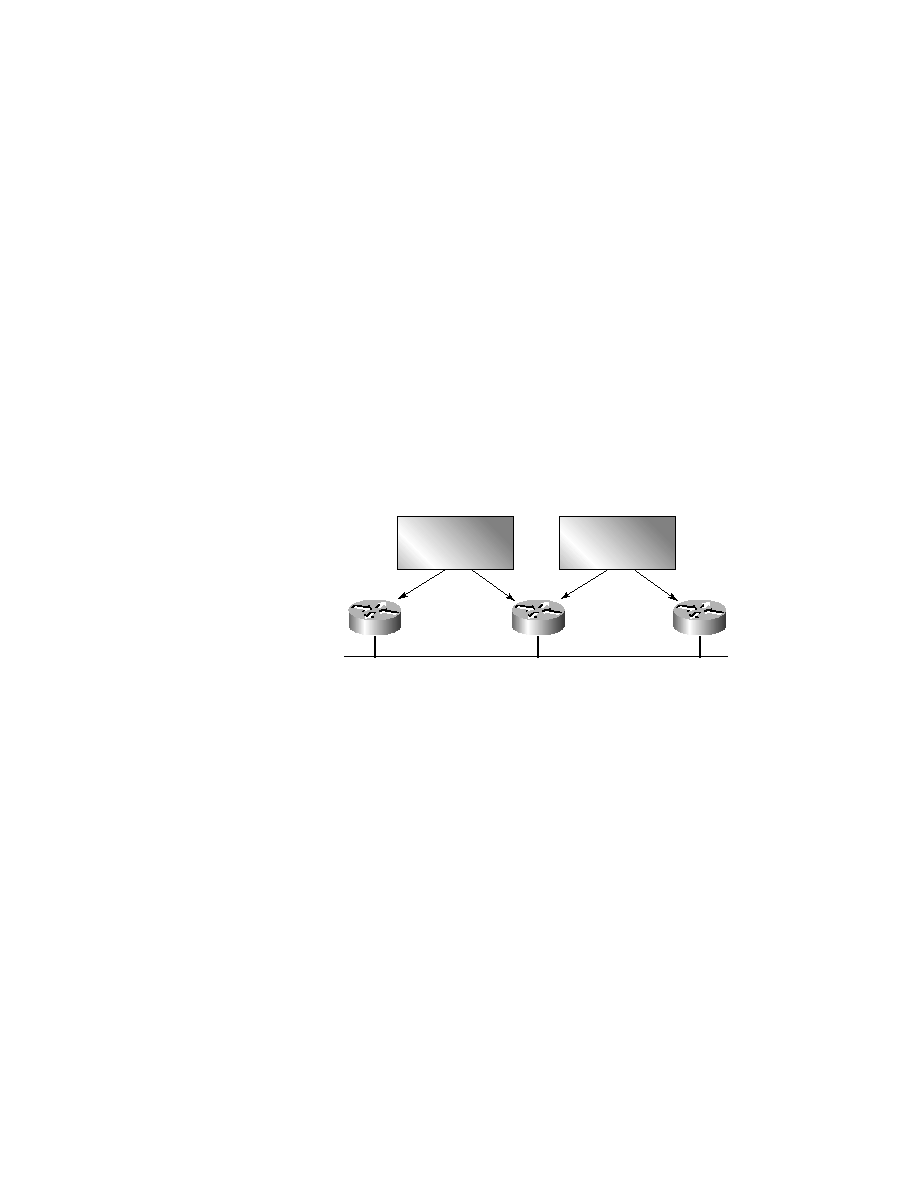
ate one HSRP group per destination. In this example (as shown in Figure 8.5),
you will create two HSRP groups.
F I G U R E 8 . 5
HSRP with multiple groups
This shows the process of creating two HSRP groups:
RouterE#conf t
RouterE(config)#interface ethernet 0
RouterE(config-if)#standby 1 ip 10.1.0.200
RouterE(config-if)#standby 1 preempt
RouterE(config-if)#standby 1 priority 90
RouterE(config-if)#standby 1 authentication dallas
RouterE(config-if)#standby 2 ip 10.1.0.201
RouterE(config-if)#standby 2 preempt
RouterE(config-if)#standby 2 priority 90
RouterE(config-if)#standby 2 authentication clearwater
RouterE(config-if)#
10.1.0.1/16
10.1.0.2/16
Router C
Router A
10.1.0.3/16
Router E
Group 1
Virtual IP 10.1.0.200
Group 2
Virtual IP 10.1.0.201
Copyright ©2000 SYBEX , Inc., Alameda, CA
www.sybex.com