HSRP
315
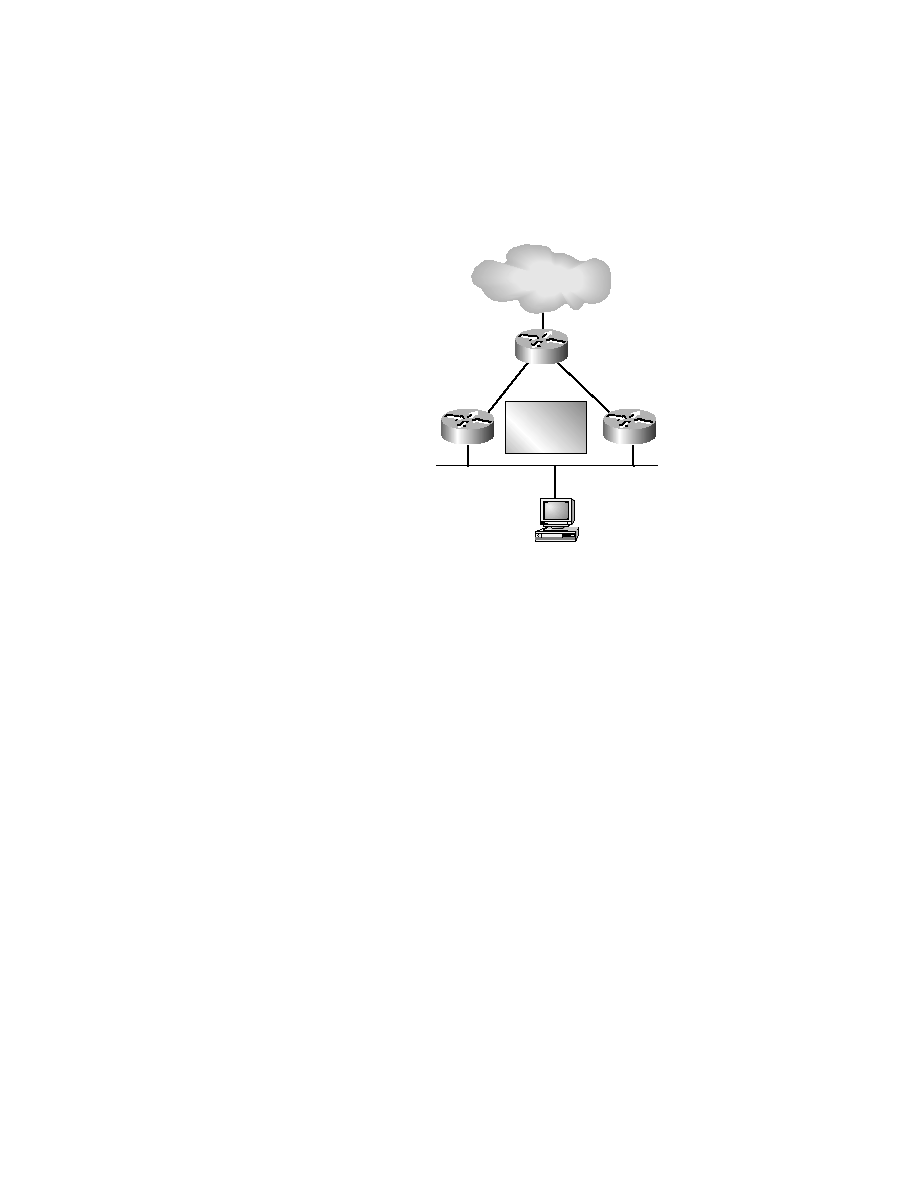
F I G U R E 8 . 3
HSRP with two routers
Enabling HSRP on the router requires minimal configuration. In the
example shown in Figures 8.3, we want Routers A and B to create a virtual
router with the IP address of 10.1.0.200.
To do this, use the following commands:
RouterB#conf t
Router(config)#int f0/0
RouterB(config-if)#standby 1 ip 10.1.0.200
RouterB(config-if)#^Z
00:03:31: %STANDBY-6-STATECHANGE: Standby: 1:
FastEthernet0/0 state Speak-> Standby
00:03:31: %STANDBY-6-STATECHANGE: Standby: 1:
FastEthernet0/0 state Standby-> Active
When workstations ARP for the hardware address of 10.1.0.200, the vir-
tual address will be given. All routers will use this virtual address to give to
workstations. You verify the HSRP configuration with the show standby
command:
RouterB#show standby
Ethernet0 - Group 1
Host C
IP Address 10.1.0.99
Mask 255.255.0.0
Gateway 10.1.0.200
10.1.0.1/16
14.4.4.4/16
10.1.0.2/16
Router B
Router A
Router D
Internet
Virtual Router
10.1.0.200
Copyright ©2000 SYBEX , Inc., Alameda, CA
www.sybex.com