neering, marketing, sales, and support departments, you will typically--not
always, but typically--create a subnet for each department, making sure you
have room for growth. You would then create a VLAN for each department.
In Chapter 3, we discussed the difference between local and end-to-end
VLANs. Regardless of the type of VLAN you configure, each of these types
would associate with a subnet.
route any packets with a destination not on the local network.
ness needs, you can design the network with load balancing and/or redun-
dant links if needed.
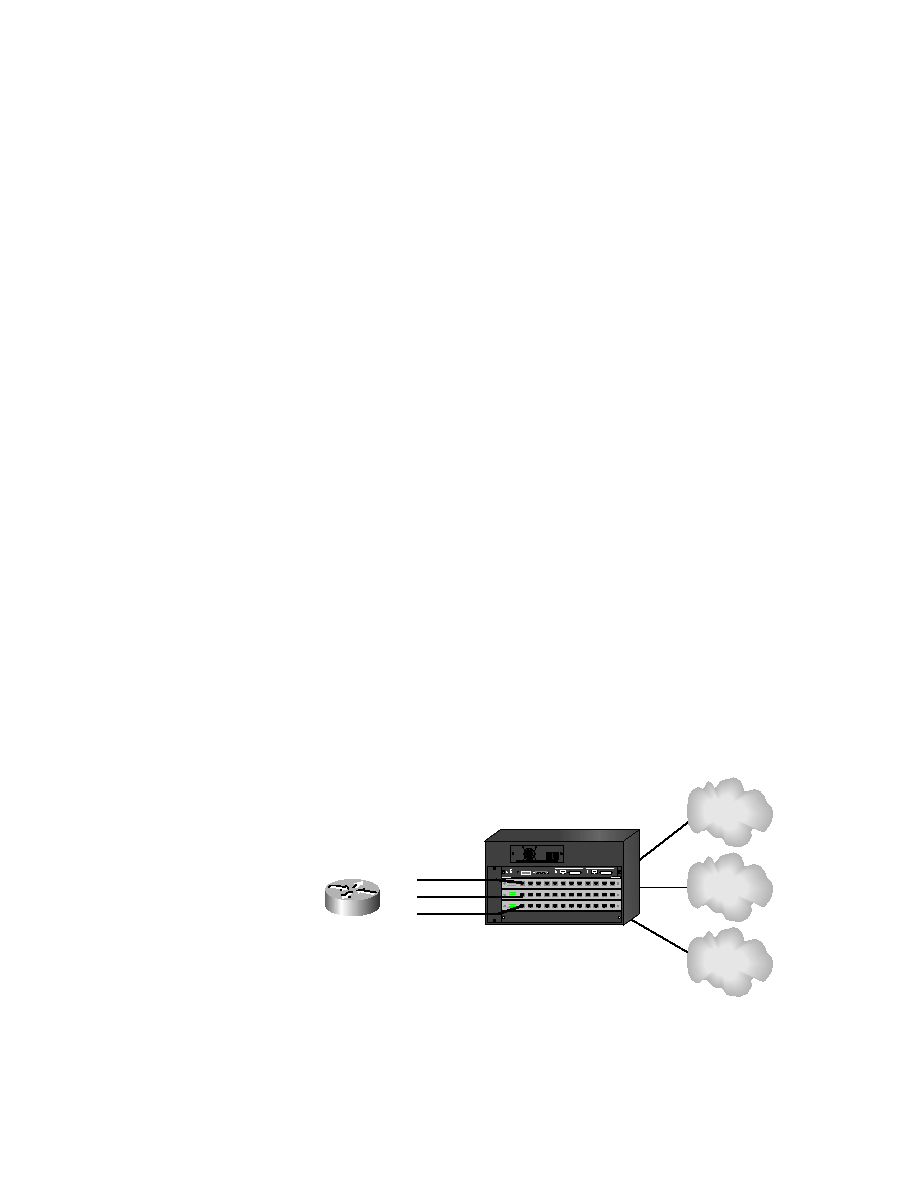
interface into a switch port that is configured for each VLAN. Each work-
station in the VLAN would have its default gateway configured for this
router interface. Figure 6.1 shows how this might look in an internetwork.
F0/1
F0/2
VLAN 2
VLAN 3