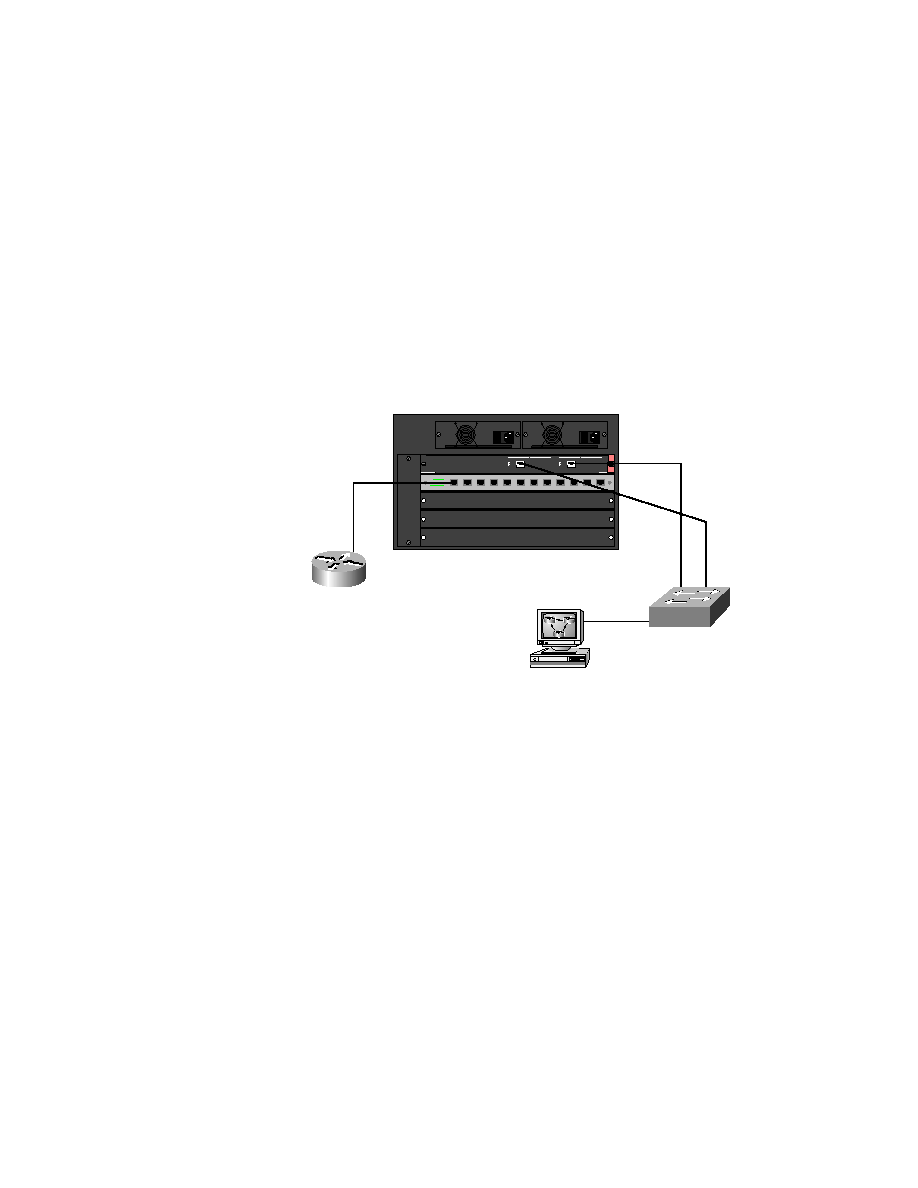
between the 5000 and 1900 switch. Figure 5.1 shows the network configu-
ration used in this lab. Make sure the configurations of your switches are
deleted and the default STP configuration is on both switches.
descriptions, passwords, VTP domain information, and VLANs configured
and trunked links on. Test by pinging from the workstation to the 1900 and
5000 switch.
By turning on PortFast, you can start forwarding up to 50 seconds
sooner when bringing up a device. To test this, connect your worksta-
tion into interface e0/4 of the 1900 switch and then from the DOS
prompt of your workstation, ping the 5000 series switch.
1 15 / 2 30 VAC
9 .8 /4 . 9 A
6 0/ 5 0 Hz
1 1 5 /2 3 0 VAC
9 . 8/ 4 .9 A
6 0 /5 0 H z